
Posture Problems
Marsden Park Chiropractic —
Struggling with neck or back pain after long hours at the desk, on your laptop, or from heavy school bags? At Marsden Park Chiropractic, we help local families understand and correct posture problems with gentle, evidence‑informed care.
Book posture assessment with us today: Posture screening, ergonomic coaching, and a personalised plan to move and feel better.

Other
Back Pain
Neck Pain
Headaches & Migraines
Sciatica
Sports Injuries
Slipped Disc
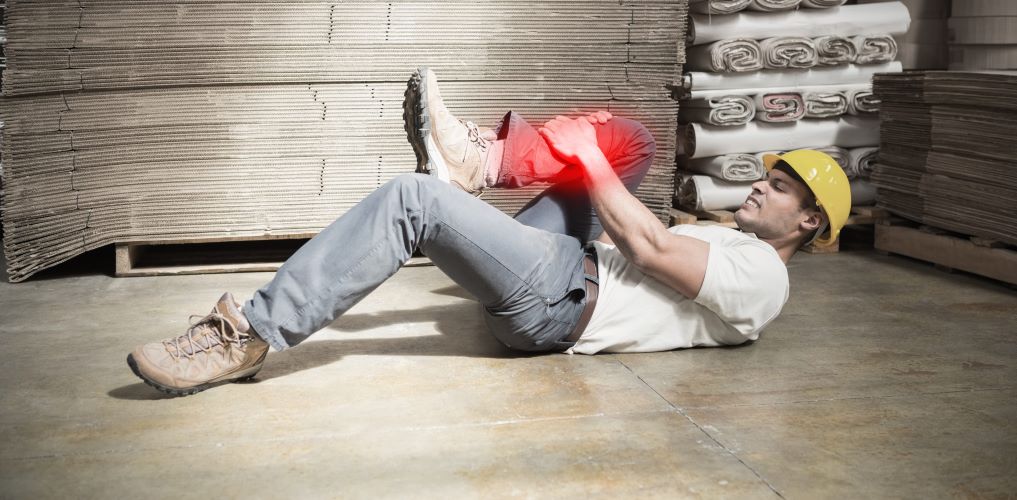
Workplace Injuries
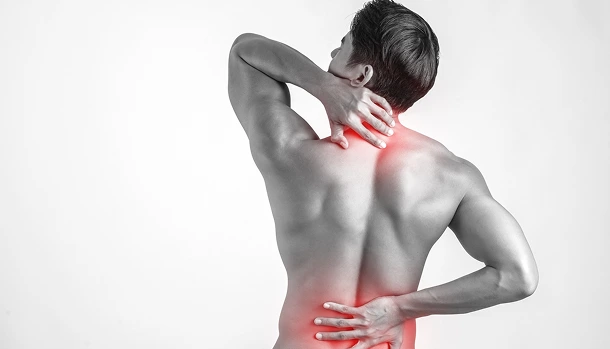
Neck Pain
- Whiplash
- Non-specific Neck Pain
- Torticollis




Why Posture
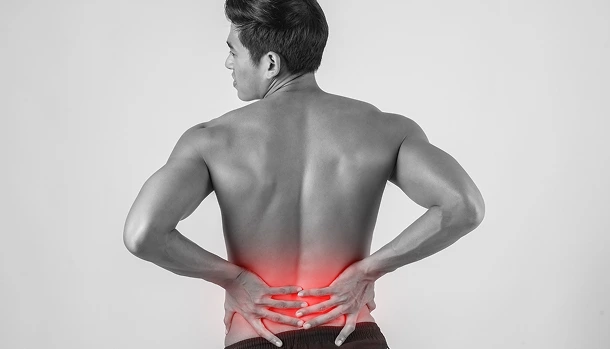
Poor posture doesn’t just look a certain way; it changes how your muscles and joints share load. Over time, this can lead to:
Call Us Today!
Neck and shoulder tightness or headaches
Mid‑back stiffness and “hunched” feeling
Lower back aches or sciatica‑like leg symptoms
Fatigue, reduced lung expansion, and decreased focus
We focus on practical, sustainable changes that fit busy work and family life.
Common Posture Issues By Lifestyle And Job
Desk jobs (IT, finance, call centres, admin)
Typical patterns:
- Forward head and rounded shoulders from screen hunching
- Tight chest and upper traps; weak mid‑back stabilisers
- Stiff hips and lower back from prolonged sitting
Quick fixes:
- Screen at eye height; external keyboard/mouse
- Hips slightly higher than knees; feet supported
- Microbreaks: 30–60 seconds every 30–45 minutes
- Desk mobility: chin tucks, shoulder blade squeezes, seated hip openers
Laptop users (work‑from‑home, students)
Typical patterns:
- Low screen height → neck flexion; “turtle neck”
- Wrist/forearm strain from cramped trackpads
Quick fixes:
- Laptop stand or a few books to raise screen to eye level
- External keyboard and mouse to free the shoulders
- “20–8–2” rhythm each hour: 20 min sit, 8 min stand, 2 min walk
Kids with heavy school bags
Typical patterns:
- Leaning forward or side‑bending to balance weight
- Shoulder/neck strain; mid‑back ache
Backpack tips:
- Aim for 10–15% of body weight (max) for the loaded bag
- Two wide, padded straps on both shoulders; the sternum strap helps
- Pack heavy books close to the spine; fill space with lighter items
- Adjust so the bag sits from the shoulders to just above the hips
- Encourage locker use or digital resources where possible
Postural Types We
01
Swayback posture
What it looks like:
- Hips drift forward over the feet; knees may lock
- Ribcage leans back; mid‑back appears more rounded
- Pelvis often tilts posteriorly; lower back may look flat or unevenly loaded
How it feels:
Care focus:
- Glute and core reactivation, hamstring length as needed
- Postural awareness: ribcage over pelvis, soften the knees
- Targeted mobility for hip flexors and mid‑back
02
Excessive lordosis (anterior pelvic tilt)
- Look/feel: arched lower back, hip flexor tightness, possible hamstring tightness
- Care: core and glute strength, hip flexor/quadriceps mobility, breathing mechanics
03
Forward head and rounded shoulders
- Look/feel: chin pokes forward, upper back stiffness, desk/screen fatigue
- Care: chin tucks, wall angels, thoracic mobility, workstation setup
04
Flat back posture
- Look/feel: reduced lumbar curve, difficulty standing long, mid‑back strain
- Care: hip extension strength, thoracic extension drills, posterior chain training
05
Hyperkyphosis (hunched upper back)
- Look/feel: rounded upper back, possible shoulder impingement risk
- Care: thoracic extension mobilisations, mid‑back/rotator cuff strength, chest mobility
06
Scoliosis (structural or functional)
- Look/feel: asymmetry through ribs/hips/shoulders
- Care: curve‑aware exercise programming, mobility to tight concavities, strength to underactive regions; referral when imaging or co‑care indicated
Note: True swayback differs from excessive lordosis. We assess carefully to target the
right exercises and ergonomic changes.
Posturescreen Digital
We offer a PostureScreen Assessment to precisely measure your standing posture and track progress over time:
A digital posture analysis using calibrated photos and angle measurements to highlight alignment patterns (head, shoulder, spine, pelvis).
Images are used solely for your clinical assessment and stored securely according to clinic policy. You can opt out at any time.
What it is:
What to expect:
- Consent and privacy are explained before any photos are taken
- Front/side/back standing photos in a private space
- Quick movement screen to see how you load and stabilise
- Immediate visual report highlighting key findings
What you receive:
- A personalised posture report with clear visuals
- Priority exercises and ergonomic recommendations
- Baseline metrics to compare at future visits
Privacy and storage:
Our Approach To Posture Care
Assessment
- PostureScreen photos and movement screen
- Ergonomic and lifestyle review (work, study, sport, driving, sleep)
- Neuromusculoskeletal testing to pinpoint pain drivers
Care plan
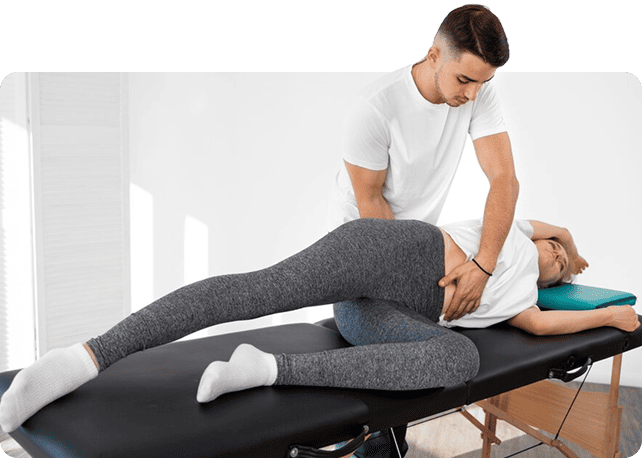
- Gentle chiropractic adjustments where appropriate
- Individualised exercise (short, high‑impact routines)
- Ergonomic coaching: desk/laptop/backpack setup that fits your life
- Load management tips for long workdays, travel, and exam periods
Progress tracking
Re‑checks with measurable milestones (pain, function, endurance, posture)
Simple Daily Posture Routine (5–7 Minutes)
- Neck: 10–12 chin tucks (light double‑chin, no tilting)
- Mid‑back: 10 wall angels or foam roller extensions
- Hips: 30–45 sec hip flexor stretch each side; 8–10 glute bridges
- Core: 20–30 sec dead bug or plank variations
- Postural reset: stand tall, soften knees, ribcage stacked over pelvis, shoulder blades gently down/back, long neck
Ergonomic Checklist For
- Screen top at or just below eye level; arm’s length away
- Neutral wrists; elbows ~90°, close to body
- Hips slightly above knees; lumbar support or small cushion
- Feet flat or on a footrest; avoid long periods with legs crossed
- Headset for calls; avoid shoulder‑cradling the phone
- Lighting that reduces glare; enlarge font size to avoid leaning in
Frequently Asked
What Is A Posturescreen Assessment?
A digital posture analysis using calibrated photos to measure alignment and identify key areas to improve. You receive a visual report and a targeted plan.
Is Posture Care Safe For Kids And Teens?
Yes. We use age‑appropriate assessments and gentle methods. Backpack checks and simple exercises are especially helpful.
Can A Chiropractor Fix My Posture?
Yes. We help improve alignment, mobility, and strength, and teach daily habits so that better posture feels natural. Results depend on your presentation and consistency.
How Many Visits Will I Need?
Simple posture strains may improve within a few visits; long‑standing patterns often need a short program plus home exercises. We’ll outline timelines after your assessment.
Do I Need Imaging?
Most posture issues don’t require imaging initially. If red flags or specific concerns arise, we’ll refer appropriately.
What Should I Wear For A Posturescreen Assessment?
Fitted, comfortable clothing that allows us to view shoulder and pelvic landmarks (For example: T-shirt/tank and shorts/leggings).
How Long Does The First Appointment Take?
Typically 30 minutes for assessment, PostureScreen, and your initial care plan.
Will My Health Fund Cover This?
Coverage varies by insurer and policy. We can provide itemised receipts for your claim.
Ready To Feel And Move Better?
Book your posture assessment today. We’ll identify your postural type, tune your workstation or backpack setup, and build a plan you can stick with.
Call us today or visit Marsden Park Chiropractic, or book your appointment online to get started on your recovery.
